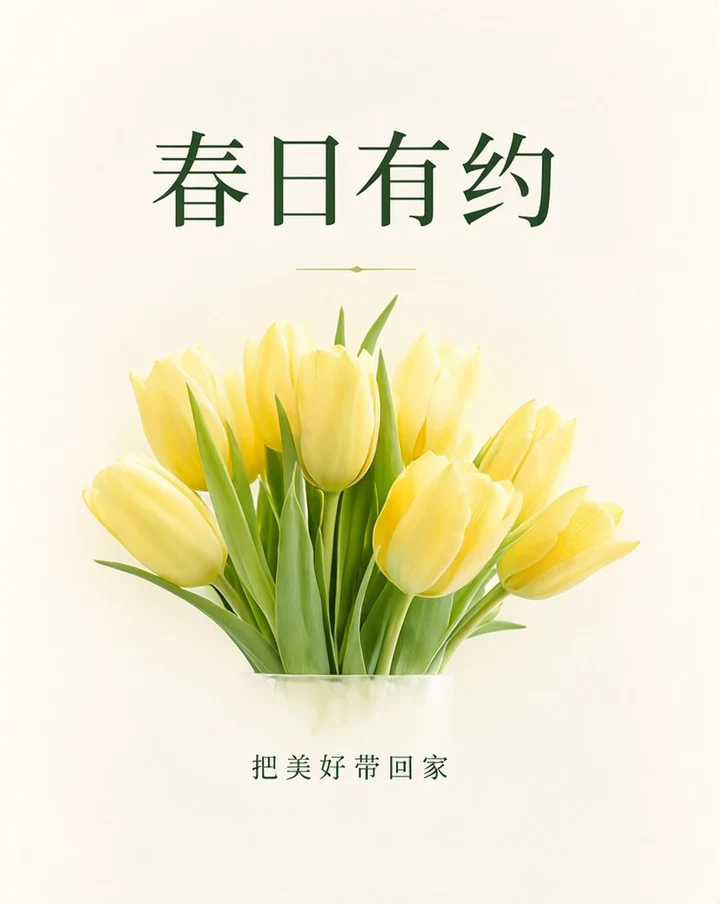
A Chinese flower-shop poster
Text prompt · 816 × 1024 px
View prompt and settings ↗WORDS, IMAGES & COMPOSITION
Generate images containing Chinese text by quoting the exact characters and describing their size and position. Use separate text blocks for a headline, supporting line and bilingual copy, then review the original-size result.
These are selected images generated with this studio’s model service. Open a case for its original PNG, actual input and generation settings.
Text prompt · 816 × 1024 px
View prompt and settings ↗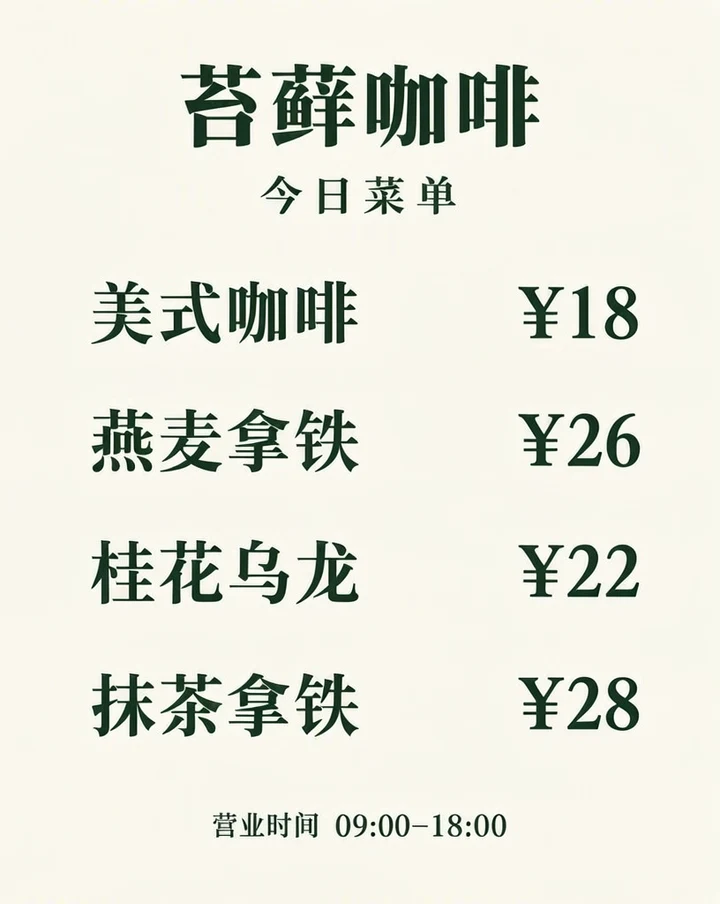
Text prompt · 816 × 1024 px
View prompt and settings ↗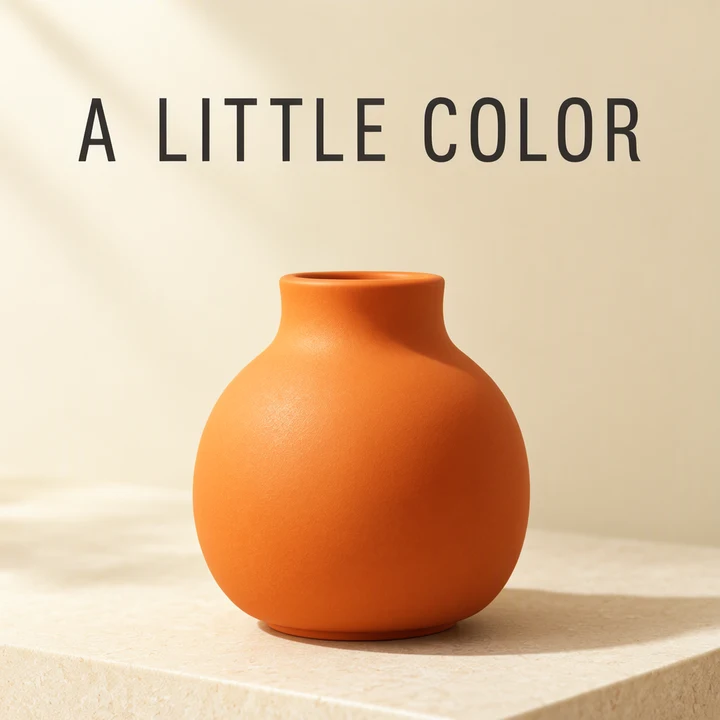
JSON layout · 1024 × 1024 px
View prompt and settings ↗Write the literal Chinese copy first. Then describe font style, color, reading direction and placement around it. If an image should contain only two lines, state that clearly so additional slogans are not part of the brief.
一张简洁的春日花店海报,暖白色纸张背景,中央是一束淡黄色郁金香。顶部用清晰、端正的深绿色中文大字写“春日有约”,底部用较小的中文写“把美好带回家”。只出现这两句文字,确保汉字准确可读,留白充足,平面海报,不要样机。Use the wording you want to see rather than asking for a translation inside the image. Include punctuation and digits in the quoted copy. Keep a separate source list for proofreading.
Tell the model which line is the headline and which is secondary. State horizontal or vertical reading direction, relative size and spacing. Short headlines are easier to inspect than dense paragraphs.
For bilingual designs, identify the leading language and the smaller supporting translation. A JSON layout lets you request separate text regions. Use the centered coordinate format from the official guide.
Inspect similar-looking characters, missing strokes, repeated words, punctuation and numbers. Check that the reading order still makes sense. Simplify a crowded input and regenerate when necessary.
The original result is the evidence for a case. A prompt describes the intended output; it does not guarantee every character or position in another generation.
Natural-language prompts describe the scene and exact words together. A JSON layout separates the scene summary from text and object items, each with a requested box. This studio’s layout mode uses a 1024 × 1024 canvas and centered [top, left, bottom, right] coordinates.
See the layout workflow for a complete JSON example, or the prompt guide for wording tips. Format references: OpenMOSS project and official user guide.
Your first Standard image is free, without a visible watermark and with no sign-in or card required. The published credit rates are 1 credit per Standard image and 2 per HD image. Review pack prices and output sizes before choosing a pack.
The OpenMOSS documentation describes Chinese and English text rendering. This page includes actual outputs from the studio so you can inspect the specific characters and prompts yourself.
Yes. Include both exact lines and describe their hierarchy and position. Review the output for both languages rather than assuming one will be correct because the other is.
Use a text prompt for a simple headline and subject. JSON is useful when a Chinese title, English supporting line and product each need their own requested region.